Collaboration Stations
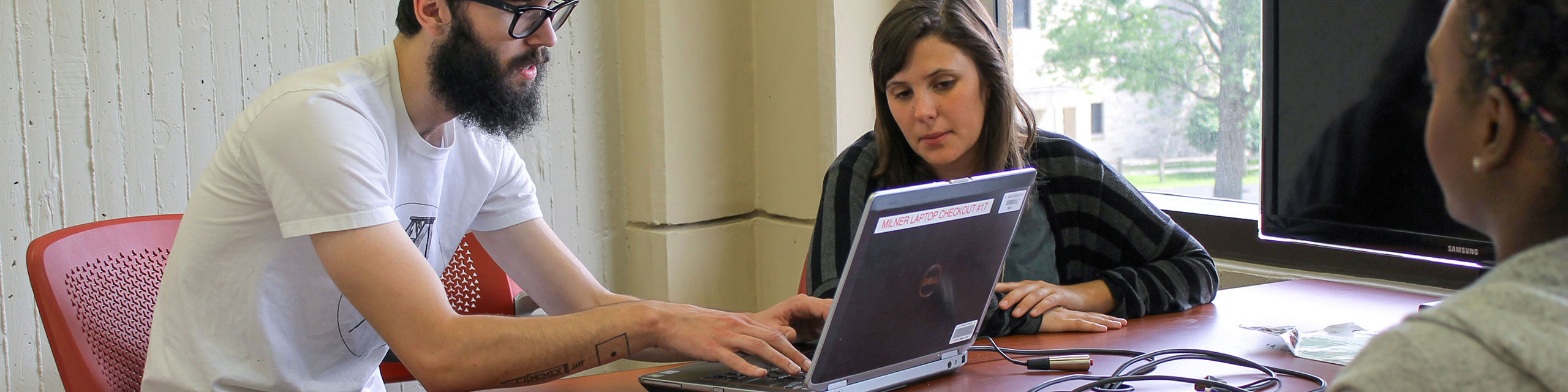
The Collaboration Stations in Milner Library let you quickly display your laptop or mobile device screen on a large 43” monitor. All collaboration stations can seat groups of 5-6 people.
How to use
The Collaboration Stations work with Windows, Mac, iOS or Android as long as your device has video output and a matching plug.
Using a station is as simple as identifying the cable (HDMI or USB-C) that plugs into your device, plugging it in, and the monitor will automatically display what’s on your screen; no software required!
Locations
Collaboration Stations can be found in convenient locations on three floors in Milner Library.
- Floor 3 - Six collaboration stations are located along the east side of the open study space. Many surrounded by whiteboards to further enhance group work and collaboration.
- Floor 5 - The nine Study Pod rooms located in the North-West corner and East side of the floor have built-in collaboration stations.
- Floor 6 - One collaboration station is available straight ahead of the main entrance to the floor from the main stairwell.